Your Single Source Partner
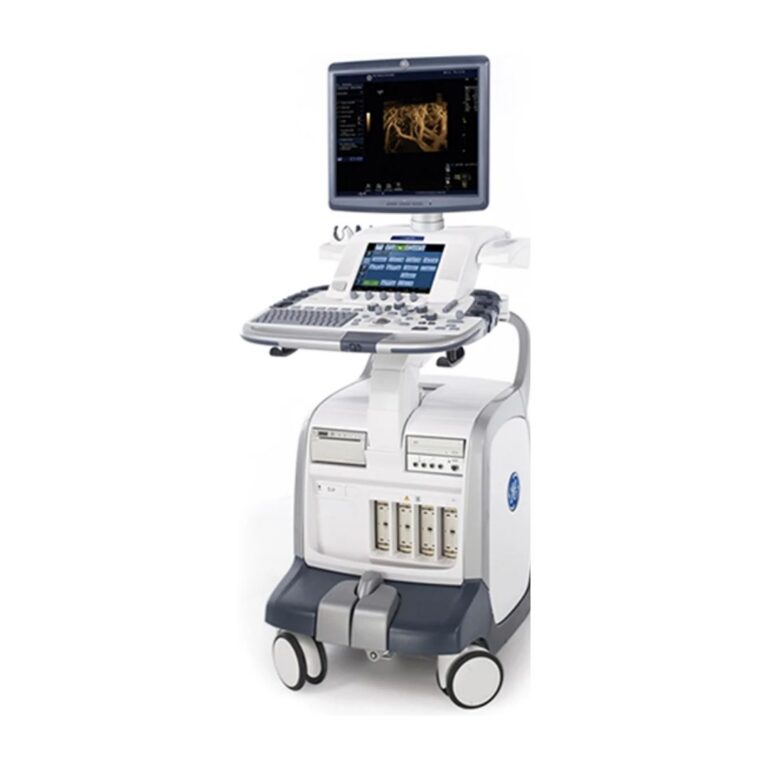
GE Logiq E9 Technical Training & Tutorial
MXR Imaging, Inc. is the nation’s largest independent provider of diagnostic imaging equipment sales, service, and support.
MXR Imaging, Inc. is the nation’s largest independent provider of diagnostic imaging equipment sales, service, and support.
Technical excellence is the backbone of reliable patient care. Our portal provides in-depth documentation and video walkthroughs for the GE Logiq E9 ultrasound system. From initial boot-up sequences to complex hardware replacements, we provide the technical clarity required to keep your imaging equipment at peak performance.
Navigate the Logiq E9 software environment with ease. These tutorials cover critical procedures for data integrity and system configuration.
Ensure all system presets and patient data are secured before performing service tasks.
Ensure all system presets and patient data are secured before performing service tasks.
A guide to configuring network settings for seamless integration with DICOM and PACS servers.
Detailed hardware tutorials for the Logiq E9. These guides help support system longevity and reduce equipment downtime through proper component handling.
Instructions for the safe removal and replacement of the operator keyboard assembly.
Step-by-step procedures for accessing and replacing the primary power distribution unit.
A technical walkthrough on disassembling the upper control interface.
Guidance on the removal and installation of the LCD monitor and articulated arm components.
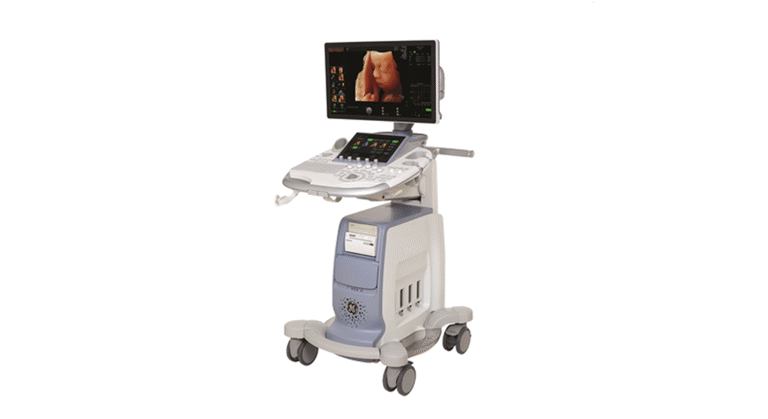
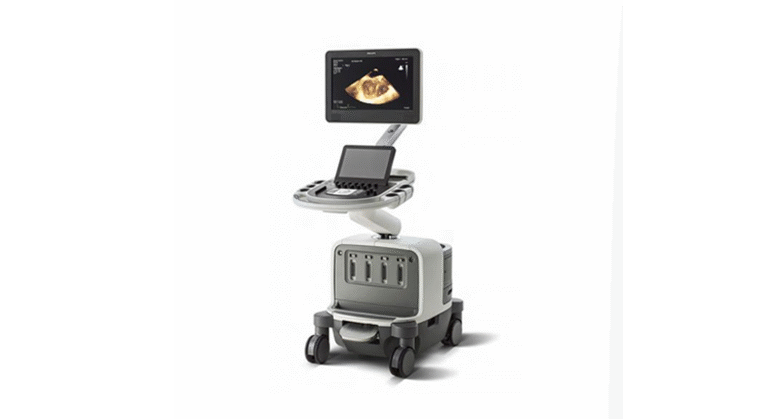
Follow our detailed video guides for expert instructions on servicing and maintaining the GE, Philips, and Siemens systems featured below.